

Every time you hand your bag to a flight attendant or toss it into a taxi, your gear is subjected to G-forces, vibrations, and pressure changes. If you haven’t engineered the interior of your suitcase, you are leaving your livelihood to chance.
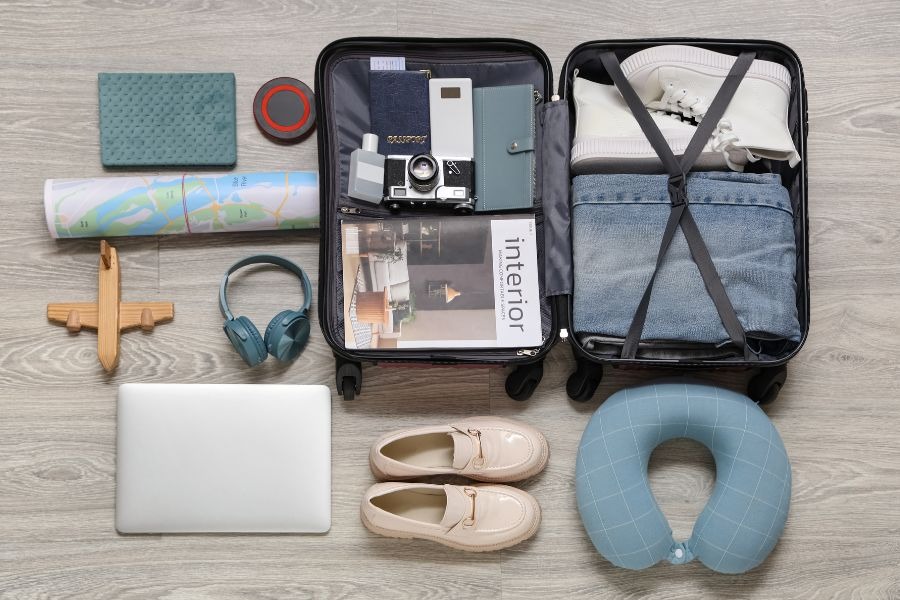
The Physics of the “Sweet Spot”
The most common mistake is placing laptops at the very edge of the suitcase. In the event of a drop, the edges receive the maximum impact.
- The Dead Center Rule: Your most fragile screens (laptops, tablets) should be placed in the geometric center of your luggage. They should be equidistant from all six sides, surrounded by “sacrificial layers” of soft clothing.
- Center of Gravity: Always pack your densest items—power banks, camera bodies, and docking stations—near the wheels. This prevents the suitcase from being top-heavy and toppling over, which is the #1 cause of “unexpected” screen cracks.
Hard Shell vs. Soft Shell: Choosing Your Chassis
In the nomad community, the debate between hard and soft luggage is settled by one factor: Crush Resistance.
- Soft Shells are excellent for absorbing vibration, but they offer zero protection if a 30kg trunk is stacked on top of them in the cargo hold.
- Hard Shells act as a protective exoskeleton. For maximum security, we recommend the Official Website Hanke. Their suitcases utilize a 3-layer German Covestro polycarbonate shell.
- The Engineering Edge: Unlike cheap plastics, Hanke’s polycarbonate is designed to flex slightly under extreme pressure to dissipate energy, then snap back into shape. This “elastic protection” is what prevents the pressure from being transferred directly to your MacBook’s Retina display.
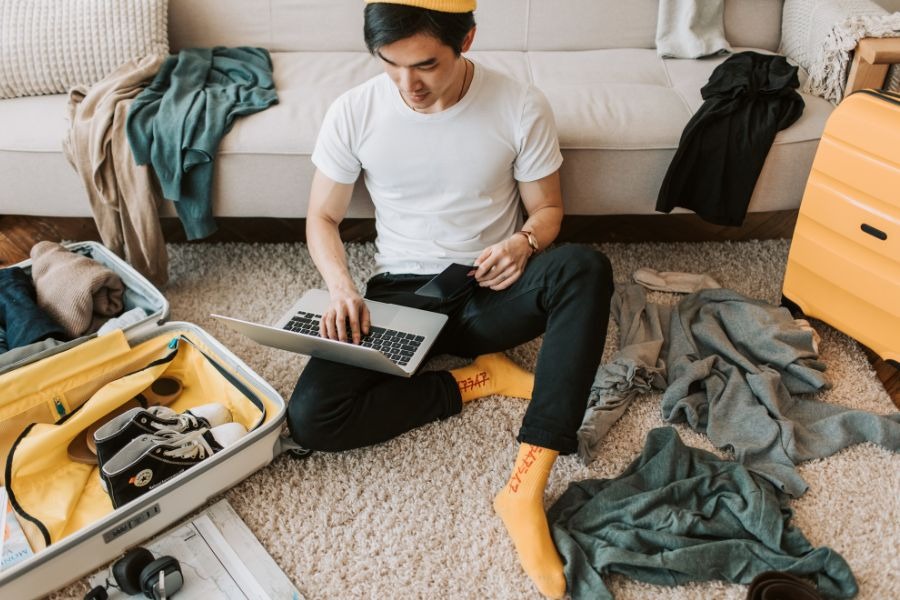
Screen Protection: The Sandwich Method
LCD and OLED screens are vulnerable to point pressure. A single stray charging brick pressing against the lid of a suitcase can create a “spiderweb” crack.
- The Buffer: Never pack two screens face-to-face. Always place a microfiber cloth or a flat layer of clothing between them.
- The Rigid Plane: Use a rigid item, such as a flat notebook or a dedicated laptop sleeve, to create an unbendable plane against the screen side of your device. This ensures that even if the bag is compressed, the force is distributed across the entire surface rather than a single point.
Climate Control: Battling Condensation
The cargo hold of an airplane can drop to sub-zero temperatures. When you land in a humid, tropical destination and open your bag, the rapid temperature swing can cause moisture to condense inside your electronics.
- Thermal Insulation: Wrap your tech in natural fibers (wool or cotton). These act as an insulator, slowing down the rate of temperature change for the internal components.
- The Silica Solution: Always keep 2-3 large desiccant (silica gel) packets inside your tech pouch to manage humidity spikes during the transition from the tarmac to the hotel.
The “Shake Test”
The final step in Gadget Tetris is the “Shake Test.” Once your bag is packed, give it a firm shake. If you hear a “clack” or feel a shift, your Tetris isn’t finished. Gaps are where damage happens. Fill the voids with “soft fillers” like socks or rolled t-shirts until the internal contents are completely immobile.
Expert Summary Table: Packing Priorities
| Risk Factor | Strategic Solution | Gear Requirement |
| Drop Impact | Dead Center Placement | Padded Sleeves |
| Crush Force | Rigid Exoskeleton | Hanke Hard-Shell |
| Point Pressure | The Sandwich Method | Rigid Dividers |
| Condensation | Thermal Wrapping | Silica Gel Packets |
A well-packed bag is silent and balanced. By treating your suitcase as a protective chassis rather than just a container, you ensure that your mobile office is ready to work the moment you unzip.