

If you’re creating content, you probably know the feeling: you spend hours writing a blog post or putting together a social media update, and then… it sits there. But what if that single piece could actually give you ten—or even more—different pieces of content? That’s the power of repurposing, and the right visuals make it much easier.
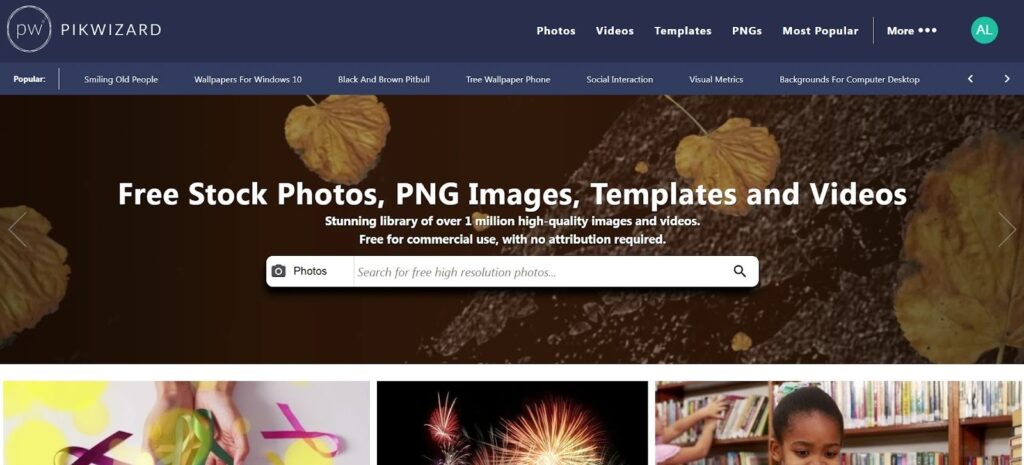
Free stock images websites like Pikwizard, Pinterest or Canva are a lifesaver here. They let you grab high-quality photos and even PNGs without worrying about licensing. They’re perfect for layering text, creating graphics, or just giving your post a fresh look when it’s shared again.
Step 1: Make Your Core Post Solid
Before you start multiplying content, make sure the post you’re working from is strong. Pick a topic that’s clear and engaging. A good title and a few key points are essential because they will guide all the derivative assets you create.
Think of your post as the foundation of a small content empire. Everything else—graphics, quotes, slides, social posts—will stem from it.
Step 2: Gather Your Visuals
High-quality visuals are what make a post pop. You don’t need a camera or a studio; free stock image sites are full of usable photos. Pikwizard is handy here because you can get everything from realistic lifestyle shots to clean PNG images for design overlays.
Pick a few images that reflect the main ideas in your post. You’ll reuse them across different platforms, so choose ones that are flexible and versatile.
Step 3: Transform the Post Into Multiple Assets
Here’s where the magic happens. With just a few stock images and your original content, you can create multiple types of assets:
- Quote images: Highlight a key takeaway or statistic from your post.
- Social media banners: Resize an image with the post title for different networks.
- Blog headers: Different visuals for each section of your article.
- Carousels: Break long content into digestible slides for Instagram or LinkedIn.
- Stories: Vertical images for Instagram or Facebook Stories.
- Pinterest pins: Tall, eye-catching graphics designed to be shared.
- Mini infographics: Turn a list or stat into a visual.
- Call-to-action graphics: Encourage readers to sign up, comment, or click a link.
- Ad creatives: Repurpose images for paid social media campaigns.
- Video stills: Capture frames from videos, add text, and post them as graphics.
You’d be surprised how much mileage you can get from just a few free images when you repurpose creatively.
Step 4: Keep Branding Consistent
Even though you’re making different assets, consistency matters. Stick to the same fonts, colors, and logo placement so everything feels like it belongs to the same brand. This is especially easy if you use free templates from tools like Canva or simple editing in Pikwizard.
Step 5: Schedule and Spread Out
Don’t post everything at once. Spread your assets across a few weeks. That keeps your feed active without extra effort and keeps the same content in front of new eyes multiple times. You can even reuse images in different contexts—like turning a carousel into a blog header or vice versa.
Wrapping It Up
Repurposing one post into multiple assets isn’t complicated—it just requires a bit of planning and the right visuals. With a little creativity, you can turn one post into ten or more reusable pieces, save time, and make your content reach further without extra work. Next time you publish something, don’t just leave it on your blog—think about how many ways it can live again.